eRegs includes full-text search across all regulation parts, FMCSA guidance, and Trucksafe content. Search is available to all paid users and drivers.
Accessing search
- Mobile: Tap the Search tab in the bottom navigation bar.
- Desktop: Click the search bar in the top navigation, or press the / key on your keyboard to focus it instantly.
Search results
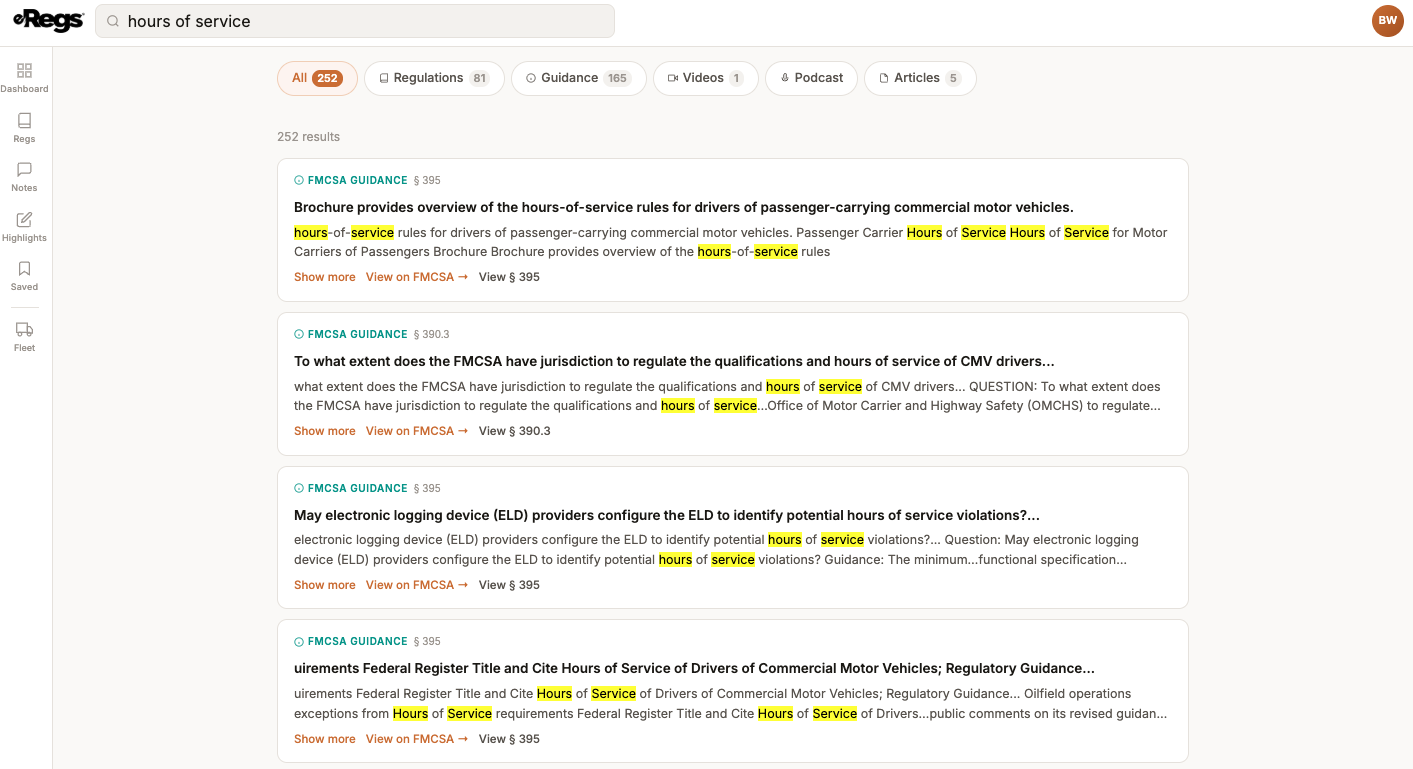
Results are grouped by type. Use the filter pills at the top of the results page to narrow what you see:
- All — shows every result type.
- Regulations — matches within the FMCSR and HMR text.
- Guidance — FMCSA Q&A responses and PHMSA Letters of Interpretation (Pro and above).
- Videos / Podcasts / Articles — Trucksafe educational content (Pro and above).
Search tips
- Wrap a phrase in quotes for an exact-match search, e.g.
"hours of service". - Use AND, OR, or NOT to combine terms, e.g.
logbook AND ELD NOT exemption. - Enter a section number directly (e.g.
395.8) to jump straight to it. - Partial matches are supported — searching
inspectwill also match inspection and inspecting.